
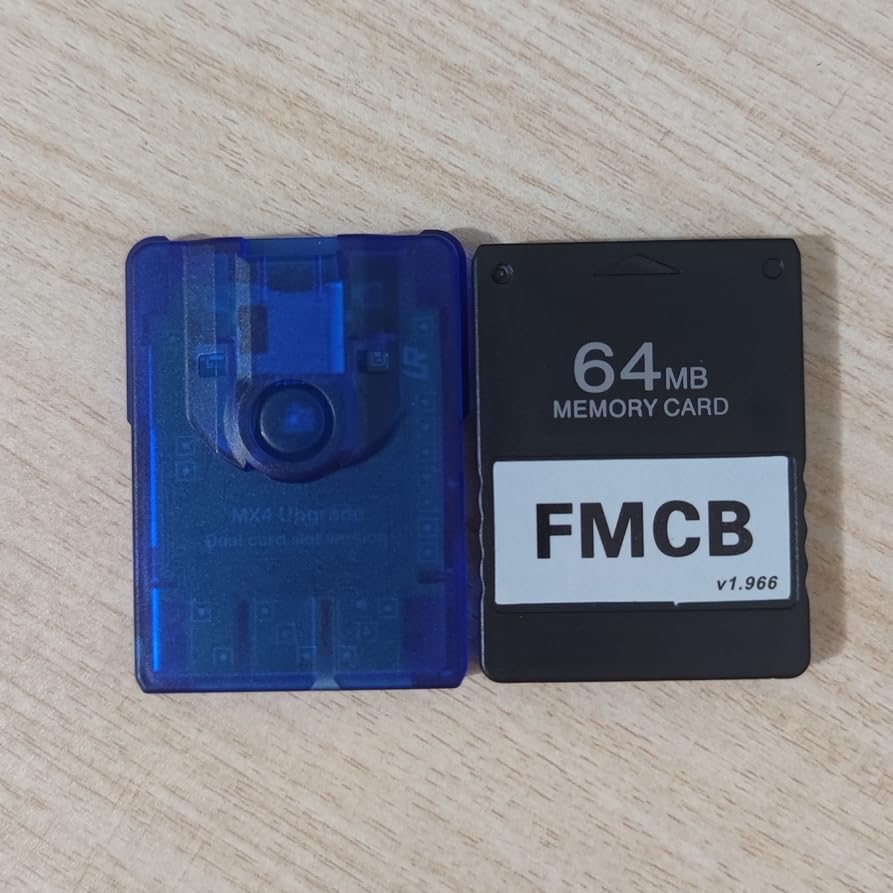
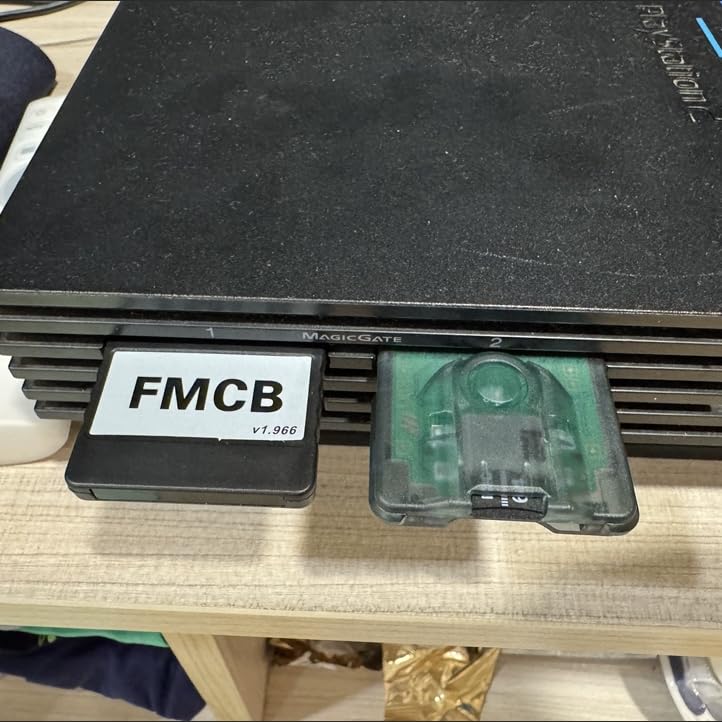
PS2 FMCB Boot Card and PS2 Disc-Free MX4SIO Adapter (Dual TF/SD Slots) Bundle for PS2 18000 30000 50000 70000
Product details
| Management number | 247193355 | Release Date | 2026/08/16 | List Price | US$11.60 | Model Number | 247193355 | ||
|---|---|---|---|---|---|---|---|---|---|
| Category | |||||||||
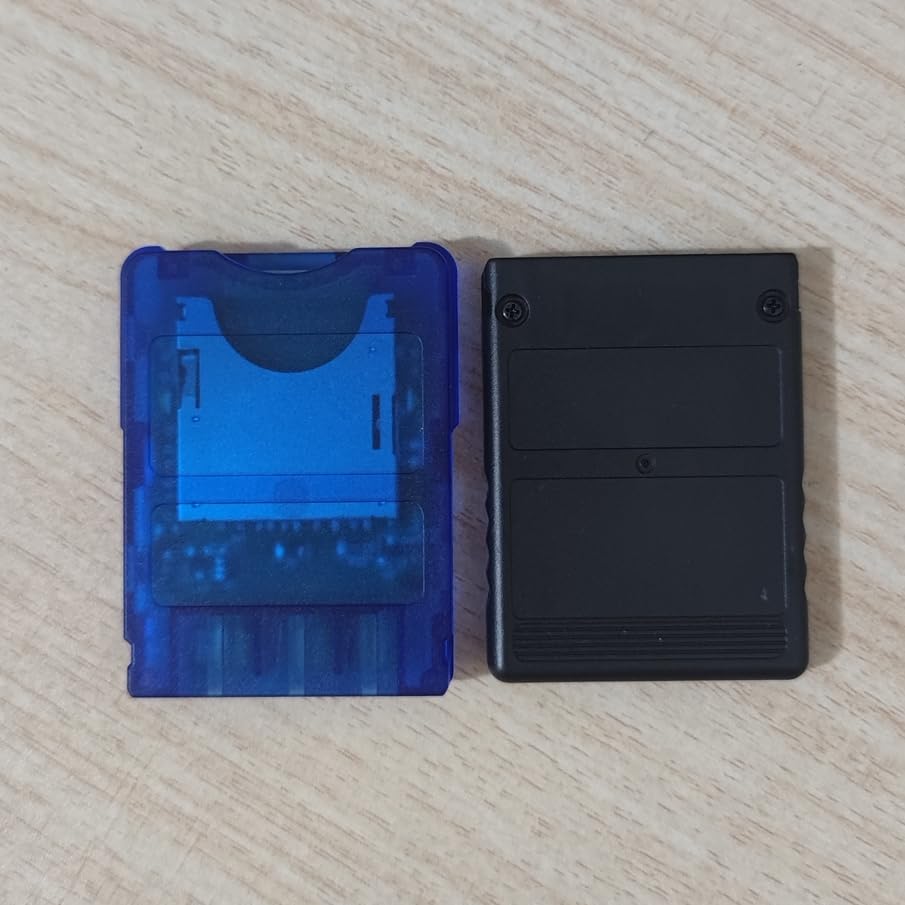
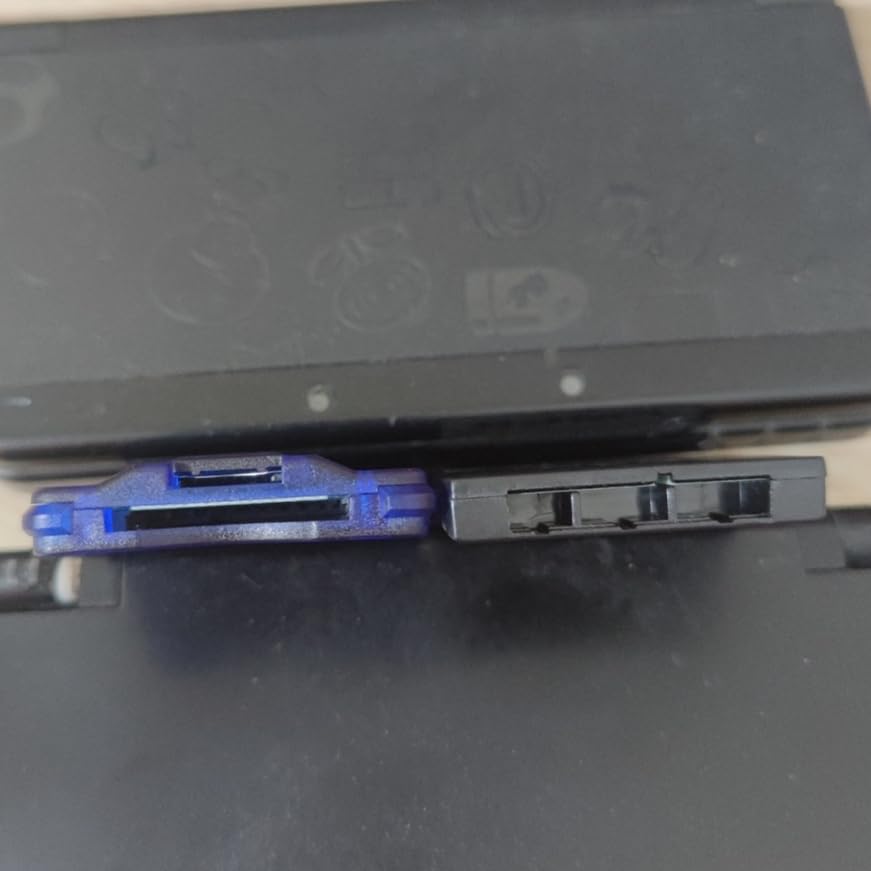
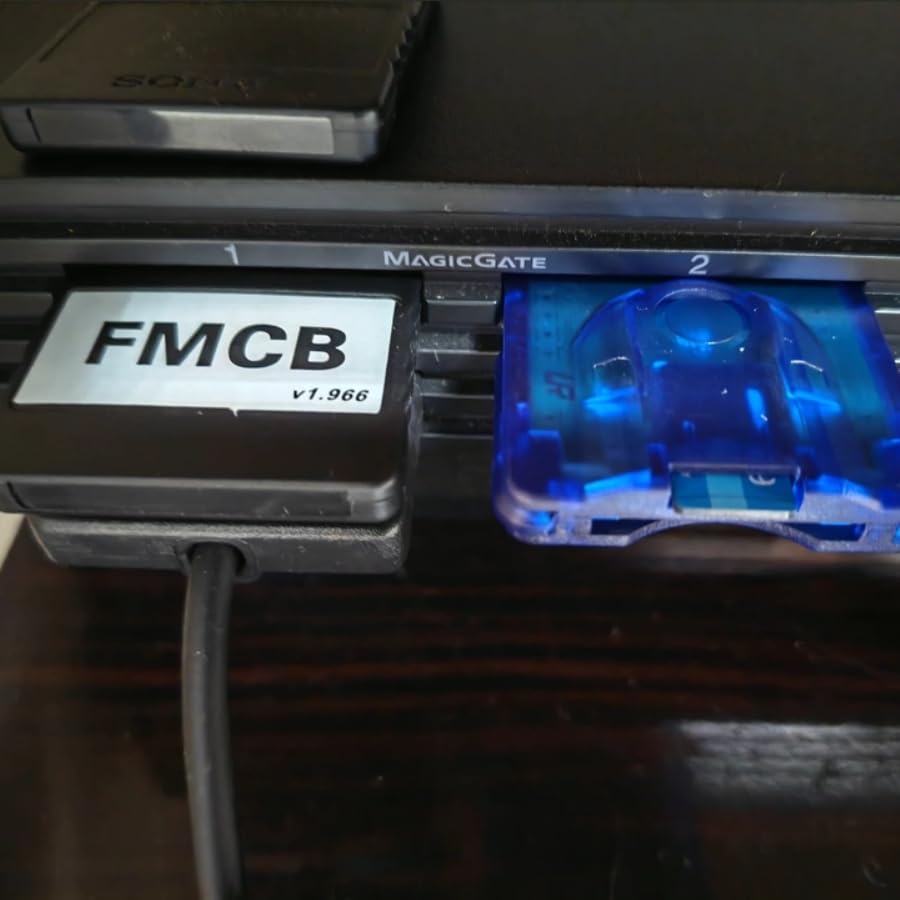
PS2 FMCB Boot Card and PS2 Disc-Free MX4SIO Adapter (Dual TF/SD Slots) Bundle for PS2 18000 30000 50000 70000, not for PS2 90000. 1. The MX4SIO is an adapter for the PlayStation 2 that allows you to connect a TF/SD card to the memory card slot located on the right side of the console, enabling the system to read data directly from the TF/SD card. 2. The FMCB boot card utilizes OPL version 1.2.0 (released after January 2024). This version offers broader compatibility with memory cards compared to earlier iterations of OPL 1.2.0; most memory cards are now supported. It also supports the exFAT file format, thereby eliminating the previous 4GB single-file size limit.
- 1. The MX4SIO is an adapter for the PlayStation 2 that allows you to connect a TF/SD card to the memory card slot located on the right side of the console, enabling the system to read data directly from the TF/SD card.
- 2. The FMCB boot card utilizes OPL version 1.2.0 (released after January 2024). This version offers broader compatibility with memory cards compared to earlier iterations of OPL 1.2.0; most memory cards are now supported. It also supports the exFAT file format, thereby eliminating the previous 4GB single-file size limit.
- 3. For older CRT color televisions, we recommend using S-Video or Component cables. If you have access to a professional color monitor (PVM/BVM), using an RGBS connection is recommended for the best experience. If using a large LCD/LED television, we suggest using HDMI (via an adapter) or Component cables.
- 4. FMCB boot cards are categorized into two types: one designed for PS2 models 18000, 30000, 50000, and 70000 series, and another specifically for the 90000 series. This specific package is intended solely for PS2 models 18000, 30000, 50000, and 70000. The cheat codes and the tutorial for using cheats within OPL are universally compatible across these models. For PS2 models 18000 through 70000, simply insert the boot card and power on the console to access the software list. To load games, format your memory card to exFAT, create a folder named "DVD" on it, and place your ISO game files inside; as mentioned, the 4GB file size limit no longer applies.
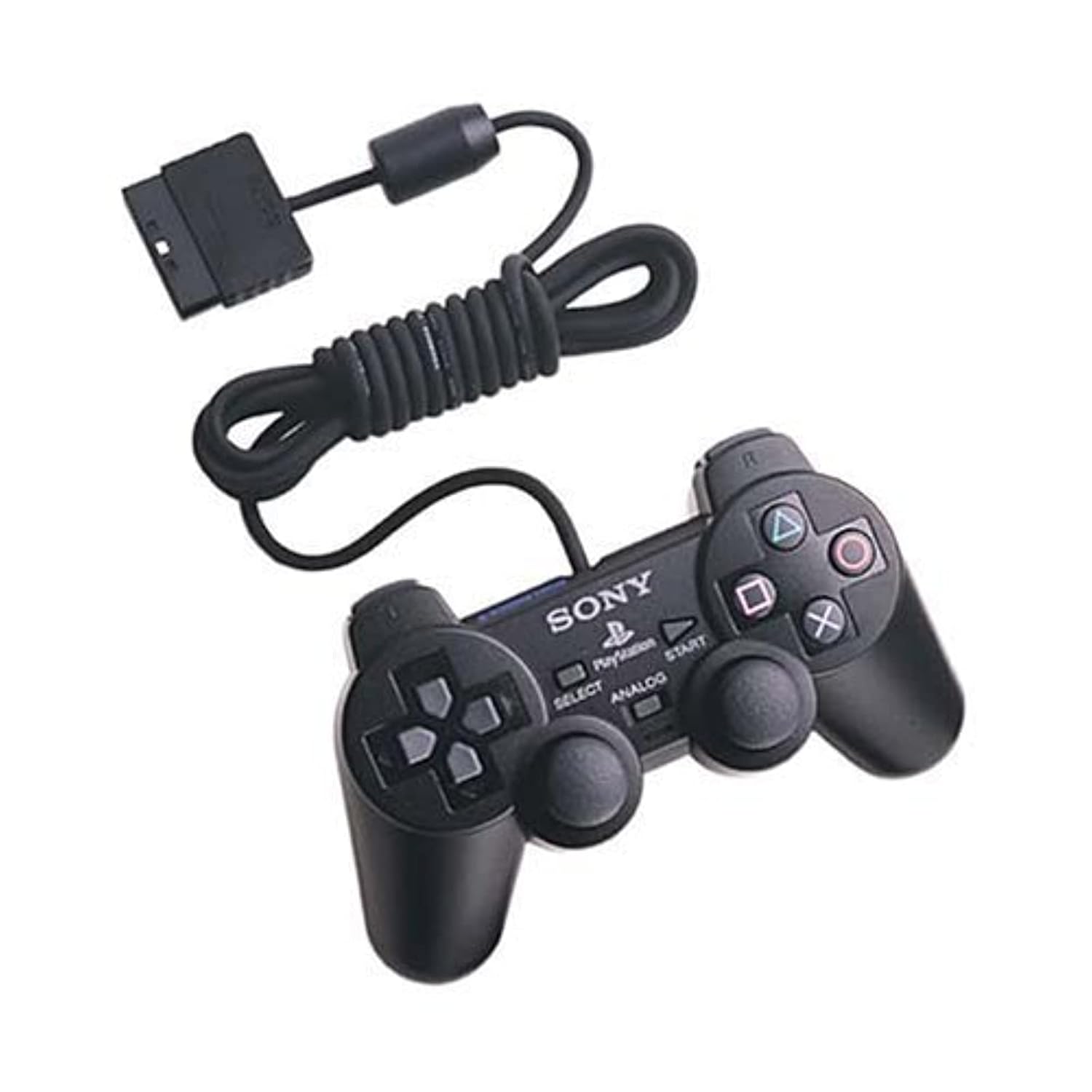
- 5. You can return to the software list at any time by simultaneously holding down the SELECT, START, L1, L2, R1, and R2 buttons on your controller. The specific path for this reset function can be configured within OPL by pressing START; we will pre-configure this setting for you before shipping. This "soft reset" method helps prevent the software list from disappearing—a common issue on some PS2 consoles that would otherwise require physically unplugging and re-inserting the memory card to resolve.
- 6. You can use the boot card itself to save game progress, or you may swap it out for a standard PS2 memory card mid-game. Alternatively, you can press the Triangle button while viewing the software list to configure a Virtual Memory Card (VMC) stored on the SD card; however, please be aware that VMC compatibility may vary depending on the specific game.
- 7. If you encounter a black screen during operation, please restart your PS2 console. The FMCB card contains two different versions of OPL specifically optimized for use with the MX4SIO; these versions may offer varying levels of compatibility with different games, so you may need to toggle between them to successfully launch a title. In very rare instances, data anomalies may occur on the SD card. Should this happen, please back up all files from the SD card to your computer, reformat the SD card to exFAT, and then copy all your files back onto it.
| ASIN | B0H3P4BKKS |
|---|---|
| Language | English |
| Manufacturer | Panda |
| Release date | December 1, 2025 |
| Type of item | Video Game |
Bestseller ranking
Philosophy


Customers who viewed this product also viewed
Accessories



Correction of product information
If you notice any omissions or errors in the product information on this page, please use the correction request form below.
Correction Request Form